Scaling an AI art business without AI art business automation is like trying to fulfill 100 orders by hand. You'll burn out fast. The real opportunity isn't in making more designs, it's in automating everything around them so you can focus on what actually matters: creating and selling.
Automation handles the repetitive work. Order processing, design variations, customer follow-ups, quality checks, these tasks kill momentum when you do them manually. When you automate them, you free up hours each week to focus on growth.
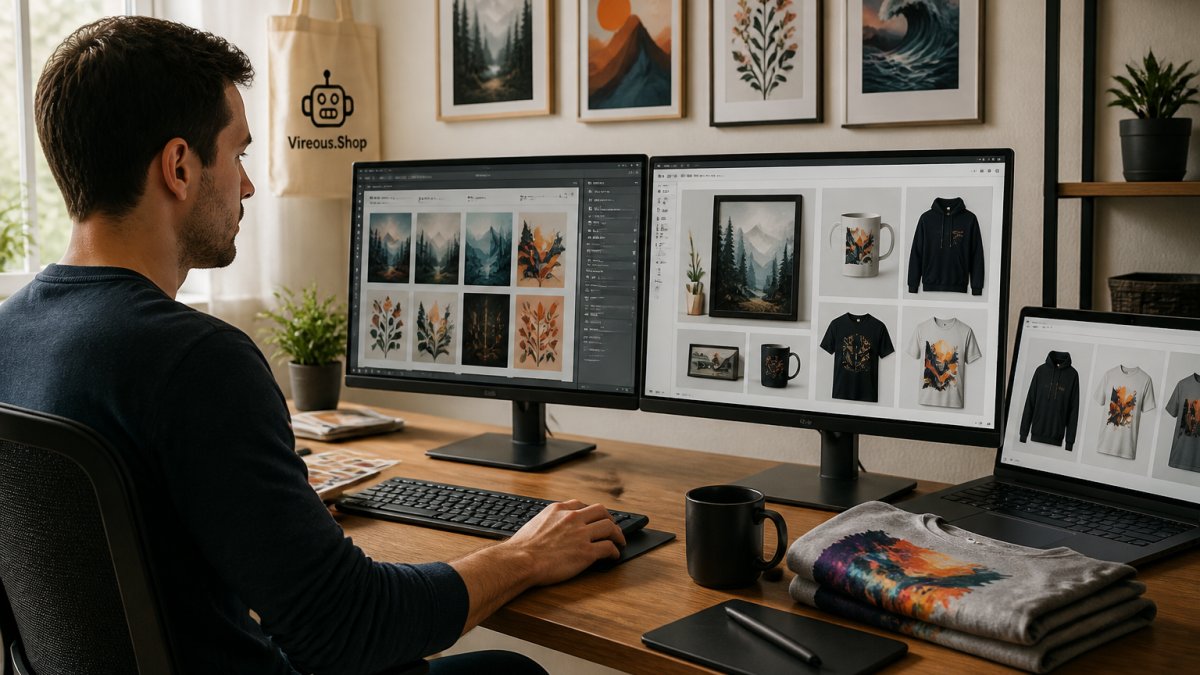
Creative professional at desk with multiple monitors displaying AI art designs and product mockups, working on customization tools with natural office lighting
At Vireous.Shop, we've built our entire platform around this principle. You generate designs, we handle the rest. But even with our tools, you still need a workflow that connects everything: design generation, product creation, customer service, and quality control.
The goal is simple: do more with less effort.
Pro TipStart with the bottleneck. Ask yourself: "Where do I spend the most time on non-creative work?" That's your first automation target. Automating just one process often saves 5-10 hours per week.
Building Your AI Art Print-On-Demand Workflow
Your workflow is the backbone of your business. Without one, you're managing chaos. With one, you're managing a system.
A strong workflow connects four stages:
Design generation and organization
Automated design variations
Product listing and inventory
Customer service and fulfillment
The best part? You don't need fancy tools. You need the right sequence. Let's build it step by step.
Step 1: Generate and Organize Your Designs
Start here: create a system for generating and storing your AI art designs. This is where everything begins.
Use natural language prompts to generate designs. Describe what you want, let the AI create it, then save it immediately. Don't generate 50 designs and organize later, that's chaos. Organize as you go.
Create folders by product type:
Apparel designs
Wall art designs
Home decor designs
Limited edition collections
Name files clearly. Use dates and descriptions: "2026-10-12-abstract-blue-landscape-v2". This matters when you're managing hundreds of designs.
Store high-resolution versions. You'll need these for printing. Keep originals separate from edited versions so you can always go back.
Key TakeawayOrganization saves time when scaling. A messy design library will slow you down far more than a few minutes spent organizing now.
Step 2: Automate Design Variations at Scale
One design can become dozens of products. A single abstract pattern works on leggings, dresses, hats, bags, and more. Automation makes this multiplication happen without extra work.
Create Your Own Design All-Over Print Beanie Hat on White Customized
Change color schemes
Adjust sizing for different products
Create seasonal versions
Generate trending variations
Vireous.Shop's customization tools let you build variations with a few clicks. You design once, the system creates multiple versions for different products and colors.
Set up templates for your best-selling designs. When you find a design that converts, turn it into a template. Then generate 10-15 variations from that template. Each variation becomes a new product listing.
This is where AI art business automation multiplies your output. One hour of design work becomes dozens of products ready to sell.
Creating AI Art Product Listing Templates
Product listings are where sales happen. Bad listings kill conversions. Good ones sell themselves.
Create templates so you're not writing descriptions from scratch each time. A template saves 15-20 minutes per listing.
Your template should include:
Product name (include key terms: "AI art", "custom design", "personalized")
Description (what makes this design unique)
Features (material, size, shipping speed)
Use case (who buys this, when they use it)
Call to action (customize your version)
Here's a real example for an apparel listing:
Create Your Own Design All-Over Print Crossover Leggings with Pockets
Create Your Own Design All-Over Print Crossover Leggings with Pockets White
These crossover leggings combine comfort and style. All-over printing means your AI art design covers the entire piece. High-waisted cut. Side pockets for your essentials. Same-day or next-day dispatch.
Perfect for: Creators who want unique activewear that matches their personal brand. Influencers building merch collections. Anyone tired of generic gym clothes.
Customize your design now and get your custom leggings shipped within 24 hours.
Notice the structure: product, benefit, use case, action. Use this for every listing.
Element
Purpose
Time to Create
Product name with keywords
SEO + clarity
2 minutes
Description
Sell the benefit
5 minutes
Features list
Build trust
3 minutes
Use case section
Connect emotionally
3 minutes
Call to action
Drive clicks
1 minute
Automate the process by creating a spreadsheet template. Fill it once, copy the structure, adjust details for each product. You'll create listings in half the time.
Setting Up AI Art Customer Service Automation
Customer service kills your time if you handle every message manually. Automate the common questions.
Set up email automation for these scenarios:
Order confirmation (automatic, sent immediately after purchase)
Design preview approval (send mockup, ask for feedback)
Shipping notification (automatic when order ships)
Post-delivery follow-up (ask for review, offer customization)
Use a simple template system. When someone orders, they get an email sequence:
Day 0: "Thanks for your order. Here's your design preview."
Day 1: "Your design approved. We're printing now."
Day 3: "Your order shipped. Tracking link inside."
Day 7: "Got your package? Share your photos with us."
This sequence requires zero manual work after setup. It builds trust, manages expectations, and drives reviews.
Watch OutDon't over-automate. Customers want to feel heard. Use automation for routine updates, but respond personally to questions and feedback. The balance matters.
Common customer questions you can automate answers for:
How long does shipping take? (Same-day or next-day)
Can I change my design after ordering? (Yes, within 2 hours)
What's your return policy? (Money-back guarantee)
How do I customize my design? (Link to design tool)
Create a FAQ document and link to it in your automated emails. Customers find answers without emailing you.
Implementing an AI Art Quality Control Checklist
Quality control prevents disasters. A single bad print damages your reputation.
Create a checklist you run through before every order ships:
Design matches the approved mockup
Colors are accurate (check against original file)
Print quality is sharp (no blurring or artifacts)
Product dimensions are correct (measure key areas)
Packaging is clean (no damage, no stains)
Shipping label is correct (right address, right name)
This takes 3-5 minutes per order. It's worth it. One complaint from a customer who received poor quality costs you far more than the time spent checking.
Automate the checklist itself. Create a simple form that your team fills out as orders are packed. The form generates a report. Orders that fail checks get flagged before shipping.
For high-volume sellers, consider spot-checking instead of checking every order. Check 10% of orders randomly. This catches systemic problems while saving time.
Scaling Operations Without Losing Quality
Scaling breaks most AI art businesses. You add volume, quality drops, customers complain, growth stalls. The fix isn't working harder, it's building measurement into your automation so you can catch problems before they reach customers.
Track the KPIs That Actually Matter
Most AI art sellers track revenue and follower count. Those are lagging indicators. The numbers that tell you whether your automation is working are unit economics and production metrics:
Profit per product, Revenue minus platform fees, printing cost, shipping, and any ad spend. If this number shrinks as you scale, your automation is adding cost, not removing it.
Production time per asset, How long from approved design to live listing. A healthy automated workflow should get this under 10 minutes per product once templates are set.
Revision rate, The percentage of orders that require a design change, reprint, or refund. A rising revision rate is the earliest signal that quality control is slipping.
Cost per asset, Total tool subscriptions, generation credits, and storage divided by the number of sellable designs produced. This is where AI art businesses often discover they're paying for tools they don't use.
Conversion rate by channel, The same design can convert at 1% on one marketplace and 4% on your own storefront. Track this per channel, not in aggregate.
A common pattern is to review these weekly during a scaling push and monthly once volume stabilizes. If profit per product drops more than 15% while volume doubles, your automation has a leak.
Build a Human Review Gate
Automation should never publish or ship without a human approval step. The gap competitors miss is where to place that gate. Put it at three points:
After generation, before listing, Check for visual defects, anatomical errors in figures, garbled text in the design, and color accuracy against the source file. AI generators still produce artifacts that look fine in a thumbnail and terrible on a 24-inch print.
After mockup, before production, Confirm the design sits correctly on the product template. All-over print garments distort designs at seams; what looks centered in a flat file can wrap awkwardly on a legging.
After packing, before shipping, A 30-second spot check on 10% of orders catches systemic print or labeling problems without slowing fulfillment.
Watch OutDon't automate the approval gate itself. A human who signs off on a design is your last line of defense against a refund wave. Automate everything around that decision, not the decision.
Scale in Layers, Not All at Once
Start with one product category and one sales channel. Master the workflow, generation, variation, listing, fulfillment, support, until you can run it without thinking. Then add a second channel before a second product category. Channels are cheaper to add than product lines because the design library is already built.
Document each workflow as a checklist. When you automate, you're automating those documented steps, not improvising. Test every new automation on a batch of 10 orders before opening it to full volume.
As you grow, your automation becomes your competitive advantage. Competitors doing everything manually can't match your speed, but only if your quality holds. The KPIs above are how you know it is.
Frequently Asked Questions
How can I automate product listings for AI art?
Use template-based systems to populate product descriptions, tags, and metadata automatically. Create a master template with placeholder fields for design variations, then map your AI-generated images to these templates. Many print-on-demand platforms support bulk upload features that read from spreadsheets. This reduces manual data entry and ensures consistency across your catalog, allowing you to list dozens of products in minutes rather than hours.
What tasks should I automate in my AI art business?
Prioritize repetitive, high-volume tasks: generating design variations, creating product listings, sending order confirmations, and quality checks. Automate email responses to common customer questions about shipping, returns, and customization options. Set up workflows that trigger when orders arrive, automatically sending design files to your print provider. Focus automation on tasks that don't require creative judgment, freeing your time for design strategy and customer relationships.
How do I maintain quality when scaling AI art production?
Implement a quality control checklist before any design goes live. Review image resolution, color accuracy, and design fit on each product type. Use automated flagging systems to catch designs that fall below size or quality thresholds. Spot-check a percentage of printed samples as they arrive. Document what works and what doesn't, then feed that data back into your design prompts. This prevents quality from degrading as you increase volume.
Can I really sell AI-generated art as print-on-demand products?
Yes. Platforms like Vireous.Shop let you generate custom designs using AI tools like DALL-E 3, then print them on-demand on apparel, wall art, and accessories. The key is disclosing that designs are AI-generated where required and ensuring you have the rights to use the AI tool's output. Many creators build profitable businesses this way, selling personalized products directly to customers without holding inventory. Same-day or next-day dispatch means you can fulfill orders quickly as demand grows.