

Table of Contents
- Quick Comparison: AI Art Tools for Creators
- How We Evaluated These AI Art Tools
- Tips for Better AI Art Prompts
- Commercial Licensing and Copyright Compliance
- How to Use AI for Custom Apparel Design
- AI Art Monetization Strategies for Creators
- Hardware Requirements and Workflow Integration
- Conclusion
Last Updated: August 17, 2026
Quick Comparison: AI Art Tools for Creators
The landscape of AI art tools for creators has exploded over the past year, and choosing the right platform depends entirely on your workflow, budget, and creative goals. Whether you're generating concept art, designing custom merchandise, or building a personal brand through unique visual assets, the platform you pick shapes everything from how quickly you can iterate to whether you can legally monetize your work.

This guide from Vireous.Shop covers the tools that matter most for creators in 2026, with a focus on commercial viability, workflow integration, and real-world results. We've tested platforms across generative AI capabilities, vector output quality, licensing clarity, and ease of use for non-technical creators.
Quick Picks:
- Best Overall for Creators: Vireous.Shop, unlimited design possibilities with same-day shipping and clear commercial licensing
- Best for Text-to-Image Generation: Platforms offering DALL-E 3 integration with flexible commercial rights
- Best for Vector Output: Tools that convert raster to vector formats for scalable design work
- Best Budget Option: Free-tier platforms that let you test before committing
How We Evaluated These AI Art Tools
Evaluating AI art tools for creators requires looking beyond flashy features. We focused on five core criteria that actually matter when you're building a business around AI-generated assets.
Commercial licensing clarity came first. Many creators discover too late that their generated artwork carries restrictions on commercial use, resale, or derivative works. We tested each platform's licensing terms and looked for explicit permission to sell merchandise, create print-on-demand products, and license designs to third parties.
Prompt engineering and creative control ranked second. The best AI art tools for creators let you refine outputs through iterative prompting, style transfer options, and custom model training. Tools that lock you into preset styles or limit prompt complexity frustrate serious creators quickly.
Output quality and scalability mattered significantly. We evaluated whether platforms produce high-resolution assets suitable for print, whether they handle vector graphics or only raster output, and whether in-painting and out-painting features work reliably for design iteration.
Integration with existing workflows is often overlooked but critical. Can you export to Adobe Creative Suite? Does the platform offer API access for batch generation? Can you connect it to your design system or asset management platform? Isolated tools slow you down.
Pricing models and real costs need honest assessment. Free tiers sound great until you hit usage limits. Subscription models vary wildly, some charge per image, others per month with unlimited generation. We calculated actual monthly spend for typical creator workloads.
Tips for Better AI Art Prompts
The difference between mediocre AI-generated assets and professional-quality work comes down to prompt engineering. A vague request produces vague output. Specific, layered prompts produce assets you can actually use.
Start with a clear subject and context. Instead of "make a cool design," try "vintage band poster style graphic with bold typography, distressed texture overlay, 1970s color palette." The more specific your visual reference, the closer the output matches your vision.
Include technical specifications in your prompts. Mention resolution requirements, aspect ratio, color space, and file format expectations. For example: "high-resolution vector-ready design suitable for print production, CMYK color mode, 300 DPI equivalent quality." This trains the model toward production-ready output rather than social media previews.
Layer style modifiers strategically. Combine art movement references with medium specifications: "oil painting style with impressionist brushwork" or "digital illustration with cel-shading technique." Style transfer works best when you reference specific artistic traditions or technical approaches the model can understand.
Test iteratively and document what works. When a prompt produces strong output, save it as a template. Note which modifiers, art styles, and technical specifications consistently deliver results. Build a personal prompt library organized by use case, apparel design, wall art, concept work, merchandise mockups.

Avoid contradictory instructions. "Photorealistic but also abstract" or "minimalist but highly detailed" confuse the model. If you need multiple variations, use separate prompts rather than packing conflicting requests into one.
Commercial Licensing and Copyright Compliance
This is where many creators stumble. Generating artwork is one thing. Legally monetizing it is another.
Most AI image synthesis platforms grant you a license to use generated images commercially, but the specifics vary dramatically. Some platforms retain rights to your prompts or generated outputs. Others allow unlimited commercial use but prohibit resale of the images themselves. A few restrict derivative works entirely.
According to OpenAI's usage policies, content generated through their API can be used commercially, but you're responsible for ensuring the output doesn't infringe on third-party intellectual property. This means if your prompt accidentally produces something that resembles copyrighted material, you bear the legal risk.
For creators selling merchandise or licensing designs, this matters enormously. Before committing to a platform, download and read the actual terms of service. Look specifically for:
- Explicit permission to sell physical merchandise (apparel, prints, wall art)
- Rights to license designs to third parties
- Ability to use generated assets in commercial products
- Clarity on whether the platform retains any rights to your outputs
- Whether you can modify or remix generated assets
Vireous.Shop handles this transparently. The platform's integration with OpenAI's technology includes clear commercial licensing for all generated designs, whether you're creating custom wall art, apparel, or merchandise for resale. You own the rights to what you create, and the platform supports same-day or next-day dispatch so you can move from concept to shipped product without delays.
The Copyright Office's guidance on AI-generated works states that copyright protection applies only to human-created works, not to purely machine-generated content. However, if you've provided substantial creative direction through prompting, modification, or curation, you may claim copyright on the derivative work. This gray area makes platform transparency essential.
How to Use AI for Custom Apparel Design
Apparel design through AI art tools for creators has become a real workflow, not a novelty. The key is treating the AI output as a starting point rather than a finished product.
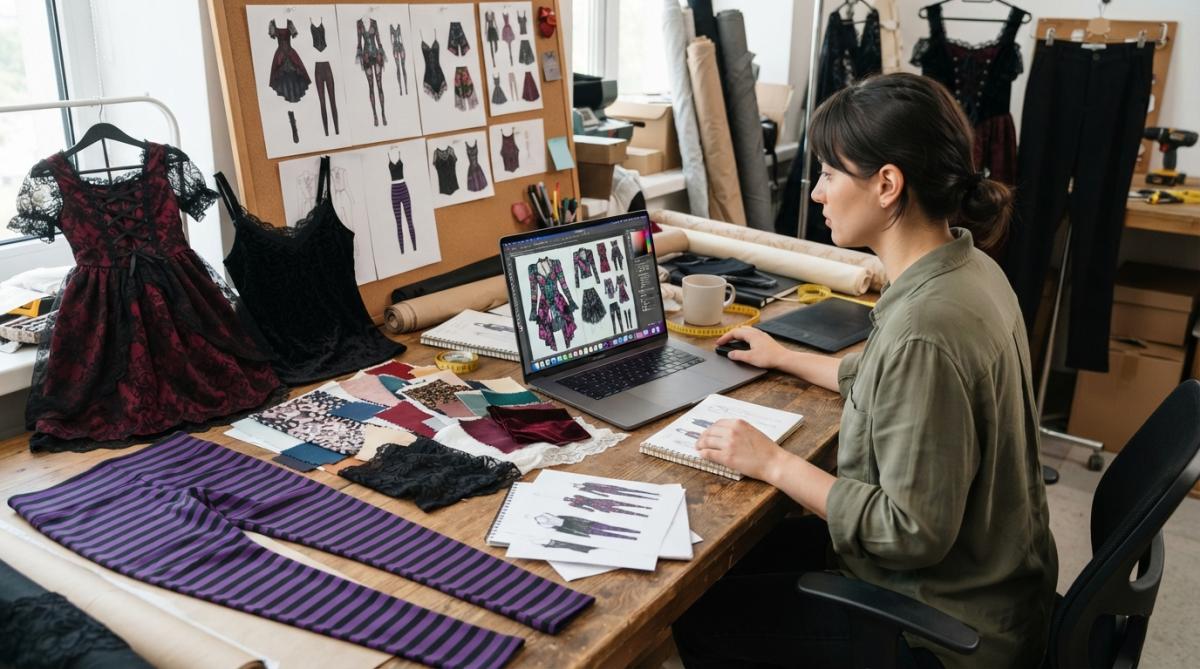
Start with a detailed prompt that specifies garment type, design placement, and technical constraints. For example: "graphic t-shirt design, front chest placement, 8x8 inch maximum, vintage band poster aesthetic with bold lettering, suitable for screen printing on 100% cotton." This guides the model toward designs that actually work as apparel rather than wall art.
Generate multiple variations. Request 5-10 versions with slight prompt modifications, different color palettes, compositional approaches, or style references. This gives you options to test and refine rather than betting on a single output.
Use in-painting and out-painting to customize generated designs. If the AI produces 90% of what you need but the color scheme is wrong or the composition needs adjustment, use in-painting to regenerate specific sections. This is faster than starting over and maintains the elements that worked.
Test print mockups before full production. Most apparel platforms offer digital preview tools. Upload your AI-generated design and check how it looks on the actual garment, color accuracy, size proportions, and placement. This catches design issues before you commit to inventory.
Vireous.Shop simplifies this workflow. Upload your AI-generated design or generate directly through the platform's OpenAI integration, preview on apparel mockups, and get same-day or next-day dispatch. For small creators testing designs, this speed eliminates the traditional bottleneck of waiting weeks for samples.
Consider licensing implications for batch apparel production. If you're printing 100 units for an influencer campaign or merchandise drop, ensure your platform's commercial license covers that scale. Some tools limit commercial use to personal projects or small runs.
AI Art Monetization Strategies for Creators
Turning AI-generated artwork into revenue requires a strategy beyond just uploading designs and hoping for sales.

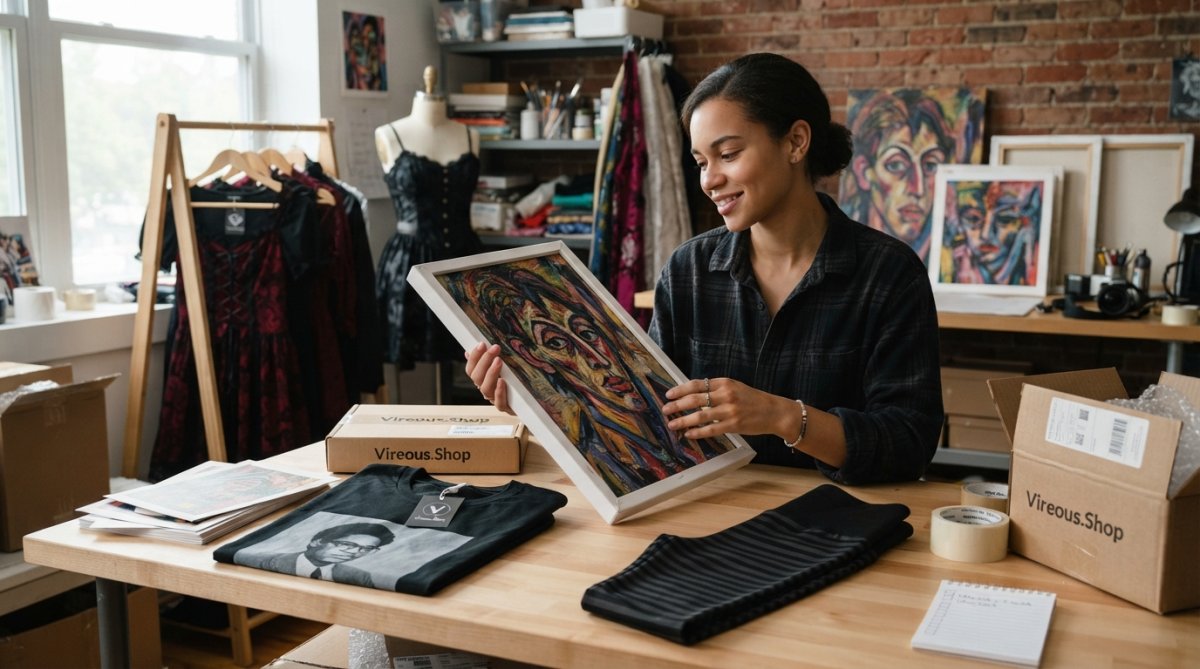
Print-on-demand remains the lowest-friction monetization path. Generate designs, upload to a print-on-demand platform, and let production and fulfillment happen automatically. Your margin is small, but the operational overhead is nearly zero. This works for wall art, apparel, mugs, and other commodity products.
Direct-to-consumer sales through your own storefront typically offer better margins. Generate designs, produce inventory, and sell through your website or social channels. This requires upfront inventory investment but captures full margin. Vireous.Shop's made-to-order model bridges the gap, you design once, customers order, and production happens on demand with same-day or next-day dispatch.
Licensing designs to brands or retailers generates passive income at scale. If you build a portfolio of strong AI-generated artwork, approach licensing agencies or negotiate directly with brands looking for unique visual assets. Licensing terms vary, but successful creators report ongoing revenue from designs licensed to multiple partners.
Create derivative products from your best designs. A single AI-generated artwork can become apparel, wall art, phone cases, tote bags, and more. Test which products resonate with your audience, then expand into categories with proven demand.
Build a personal brand around your AI art process. Document your prompt engineering, share design evolution, and monetize through Patreon, sponsorships, or premium content. Audiences increasingly value the creative direction and curation behind AI outputs, not just the technical generation.
Sell design templates and prompts to other creators. If you develop effective prompt frameworks or design systems, package them as products. Creators willing to pay for proven templates that produce specific aesthetic results represent a real market.
Hardware Requirements and Workflow Integration
AI art tools for creators have different technical requirements depending on whether you're running local models or using cloud-based platforms.
Cloud-based platforms like those powered by DALL-E 3 require minimal hardware. A modern laptop with a browser and stable internet connection is sufficient. You're offloading computation to the provider's servers, so your local hardware barely matters. This is why most creators prefer cloud tools, no setup, no driver conflicts, no waiting for local rendering.
Local model deployment changes the equation entirely. If you're running Stable Diffusion or similar models on your own hardware, you need adequate GPU memory (8GB minimum, 24GB+ for quality work), sufficient storage for model files (50-100GB), and patience for generation time (30 seconds to several minutes per image depending on resolution).
Integration with existing design software matters more than raw hardware specs. Can you export from your AI tool directly into Photoshop, Illustrator, or your design system? Does the platform offer API access for batch processing? Can you automate prompt generation through scripting?
Vireous.Shop integrates with your existing workflow through its user-friendly design interface. Generate designs using natural language prompts, preview on actual products, and export for further refinement in Adobe Creative Suite or other tools. The platform handles production logistics, so your workflow stays focused on creative direction rather than manufacturing details.
For serious production work, consider integration depth. Some platforms offer webhooks, API endpoints, and batch processing capabilities that let you automate design generation at scale. Others lock you into their web interface. If you're generating hundreds of designs monthly, API access becomes critical.
Real-world workflow integration often requires testing. Sign up for free trials, run sample projects, and evaluate whether the platform fits your existing tools and processes. A technically superior platform becomes useless if it doesn't connect to your design software or asset management system.
Conclusion
The best AI art tools for creators in 2026 are platforms that combine strong generative capabilities with transparent commercial licensing, seamless workflow integration, and reliable production quality. The technology has matured past novelty, it's now a legitimate tool for professional creators building sustainable businesses around visual assets.
Vireous.Shop stands out for creators prioritizing speed and commercial clarity. The platform's integration with OpenAI's technology delivers unlimited design possibilities through natural language prompts, your designs come with clear commercial licensing for merchandise and resale, and same-day or next-day dispatch means you move from concept to shipped product faster than traditional design workflows allow. Whether you're creating custom wall art like the Absurdist Art, Cross Section of the Human Mind print or building branded apparel for your audience, the platform removes friction from the design-to-production pipeline.
The real competitive advantage isn't the tool itself, it's your creative direction, prompt engineering skill, and understanding of what your audience actually wants. Start with a platform that handles the technical complexity transparently so you can focus on the creative work that actually matters.
| Tool Type | Best For | Typical Workflow | Key Consideration |
|---|---|---|---|
| Cloud-based (DALL-E 3) | Speed and ease of use | Prompt → Generate → Export | Commercial licensing varies by platform |
| Print-on-demand integration | Passive income | Design → Upload → Sales automated | Lower margins, zero inventory risk |
| Local model deployment | Maximum control | Setup → Generate → Refine → Export | Requires GPU hardware and technical setup |
| Made-to-order (Vireous.Shop) | Creator businesses | Design → Preview → Order fulfillment | Fast turnaround, clear commercial rights |
Frequently Asked Questions
What are the best AI art tools for content creators in 2026?
The best AI art tools for creators in 2026 combine generative AI capabilities with commercial licensing clarity and workflow automation. Look for platforms offering text-to-image generation, vector output options, and integration with design software. Tools should support prompt engineering for creative control and provide upscaling features for high-resolution output. Consider whether you need custom style training, in-painting capabilities, or real-time generation for your specific workflow.
How can I improve my AI art prompts for better results?
Specific, descriptive prompts yield better AI-generated images than vague requests. Include details about style (photorealistic, abstract, surrealist), composition (close-up, wide shot), lighting, color palette, and mood. Reference artistic styles or movements when relevant. Test variations of the same prompt and iterate based on results. Use negative prompts to exclude unwanted elements. Break complex ideas into multiple detailed prompts rather than cramming everything into one request.
Can I use AI-generated art commercially and sell it as merchandise?
Commercial use depends on the specific AI tool's licensing terms. Most generative AI platforms grant commercial rights to users who generate images, but restrictions vary by subscription tier and tool. Some require attribution, others don't. Always review the terms of service before selling merchandise featuring AI art. Platforms like DALL-E 3 and Midjourney offer commercial licenses for paid users. Consider tools that explicitly support design production for apparel and print-on-demand services.
What hardware do I need to run AI art tools effectively?
Most modern AI art tools run entirely in the cloud through web browsers, requiring only a reliable internet connection and a standard computer or tablet. No specialized graphics cards or high-end processors are necessary for cloud-based platforms. However, if you're working with local model training or advanced in-painting workflows, a GPU (graphics processing unit) accelerates rendering. A multi-monitor setup improves workflow efficiency for design professionals managing multiple iterations simultaneously.
This article was written using GrandRanker